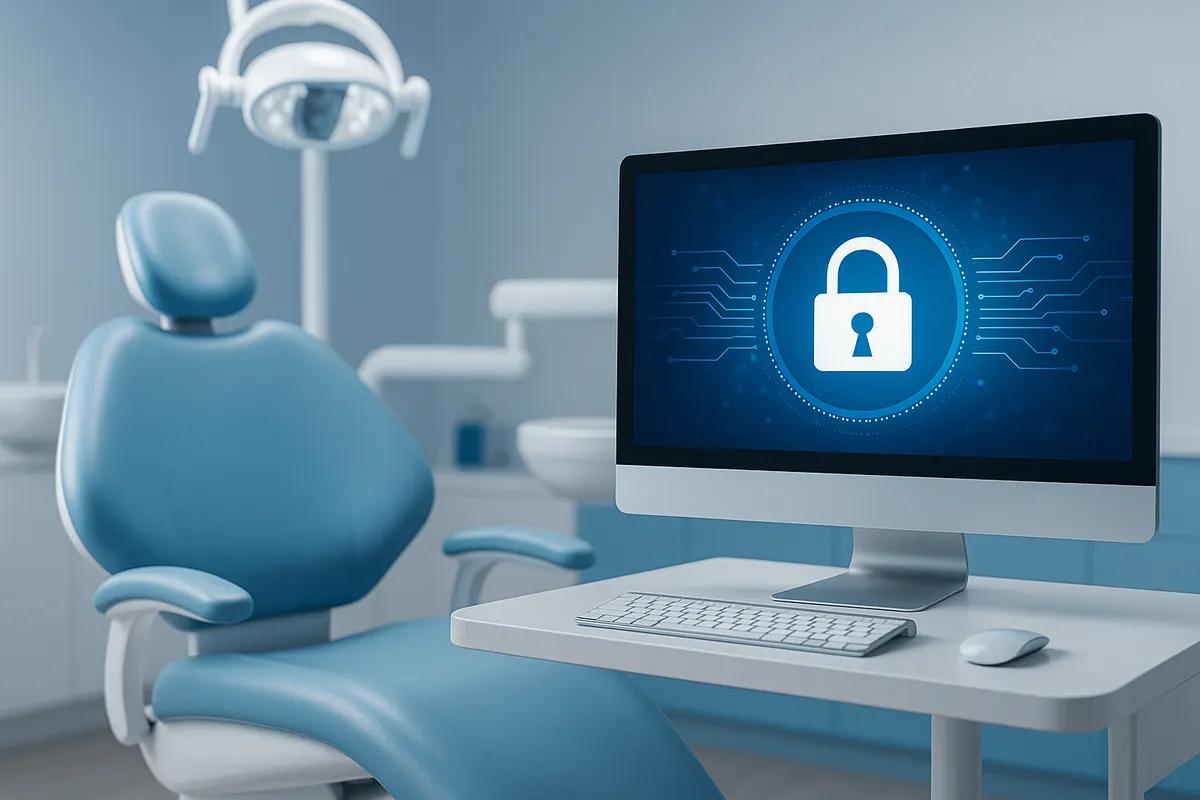
Protecting patient information is more important than ever. Yet many dental practices mistakenly believe HIPAA compliance is simply installing antivirus software or completing annual employee training.
The reality is much broader.
HIPAA compliance requires an ongoing combination of administrative policies, physical safeguards, and technical security controls that work together to protect electronic protected health information (ePHI). That includes everything from multi-factor authentication and encrypted backups to employee training, risk assessments, and documented security procedures.
For dental practices, compliance isn't just about avoiding fines. It's about protecting patient trust, reducing cybersecurity risk, and ensuring your practice can continue operating even when technology problems occur.
This guide explains the IT and cybersecurity safeguards every dental practice should have in place—and provides a practical checklist to help evaluate your current environment.
Why HIPAA Compliance Matters for Dental Practices
Every day, dental practices collect, store, and transmit sensitive patient information.
Names.
Addresses.
Insurance information.
Medical histories.
Radiographs.
Treatment plans.
Payment information.
If that data is lost, stolen, or exposed through a cyberattack, the consequences extend well beyond technology.
A security incident can result in:
- Loss of patient trust
- Business interruption
- Expensive recovery efforts
- Regulatory investigations
- Reputational damage
- Potential HIPAA penalties
HIPAA was designed to help healthcare organizations—including dental practices—protect patient information through reasonable administrative, physical, and technical safeguards.
Compliance isn't about perfection.
It's about demonstrating that your practice has implemented appropriate protections and continuously works to improve them.
Administrative Safeguards
Administrative safeguards establish the policies and procedures that guide how your practice protects patient information.
These are often overlooked but are essential components of HIPAA compliance.
Your practice should have:
Annual Risk Assessments
Regular evaluations identify vulnerabilities before they become security incidents.
Risk assessments should examine:
- Technology
- Processes
- Staff responsibilities
- Vendor relationships
- Emerging cybersecurity threats
Written Policies and Procedures
Every practice should maintain documented policies covering topics such as:
- Password management
- Acceptable use
- Remote work
- Incident response
- Device usage
- Data retention
Policies should be reviewed and updated regularly.
Employee Security Training
Human error remains one of the leading causes of cybersecurity incidents.
Employees should receive ongoing education about:
- Phishing emails
- Password security
- Social engineering
- Safe internet practices
- HIPAA privacy requirements
- Reporting suspicious activity
Training should occur during onboarding and throughout the year.
Incident Response Planning
Every practice should know exactly what happens if a cyber incident occurs.
An incident response plan should define:
- Who responds
- How systems are isolated
- Who communicates with vendors
- Patient notification procedures
- Recovery priorities
Planning ahead significantly reduces downtime during an emergency.
Business Associate Agreements (BAAs)
Any vendor that accesses protected health information may require a Business Associate Agreement.
Examples include:
- Managed IT providers
- Cloud software vendors
- Backup providers
- Email security providers
- Data hosting companies
Review these agreements regularly to ensure they remain current.
Physical Safeguards
Technology is only part of HIPAA compliance.
Your office environment also needs appropriate protections.
Examples include:
- Locked server rooms
- Controlled office access
- Secure workstation placement
- Privacy screens where appropriate
- Secure disposal of hard drives
- Locked storage for backup devices
- Mobile device protection
Even simple improvements can significantly reduce risk.
Technical Safeguards
Technical safeguards form the foundation of modern cybersecurity.
Every dental practice should evaluate whether the following protections are in place.
Multi-Factor Authentication (MFA)
Passwords alone are no longer sufficient.
MFA dramatically reduces unauthorized account access by requiring a second verification step.
This is especially important for:
- Microsoft 365
- Remote access
- Cloud applications
- Administrative accounts
Endpoint Detection & Response (EDR)
Modern endpoint protection goes far beyond traditional antivirus.
EDR continuously monitors computers for suspicious activity and helps stop ransomware before it spreads throughout your network.
Email Security
Email remains the primary entry point for cyberattacks.
Effective protection includes:
- Spam filtering
- Malware detection
- Phishing protection
- Link analysis
- Attachment scanning
Encryption
Encryption protects sensitive information if devices are lost or stolen.
Encryption should be considered for:
- Laptops
- Portable drives
- Backup media
- Mobile devices
- Data transmitted across networks
Firewalls & Secure Networking
A properly configured business firewall helps monitor and control network traffic while reducing unauthorized access.
Secure Wi-Fi should also include:
- Separate guest networks
- Strong encryption
- Regular firmware updates
- Network segmentation where appropriate
Patch Management
Cybercriminals often exploit outdated software.
Regular updates should include:
- Windows
- Microsoft 365
- Dental software
- Imaging software
- Firewalls
- Servers
- Third-party applications
Backup & Disaster Recovery
Backups are one of the most important safeguards for every dental practice.
Your backup strategy should include:
- Automated backups
- Off-site or cloud copies
- Encryption
- Routine testing
- Clearly defined recovery procedures
A backup that has never been tested cannot be trusted.
Logging & Monitoring
Continuous monitoring allows suspicious activity to be detected before it becomes a major incident.
Monitoring should include:
- Failed login attempts
- Security alerts
- Server performance
- Network activity
- Backup status
The Torch Networks HIPAA Readiness Framework™
HIPAA compliance isn't a one-time project.
It's an ongoing process.
At Torch Networks, we recommend a simple five-step approach that helps dental practices continuously improve their security posture.
Step 1: Assess
Evaluate your current technology, policies, and potential risks through a comprehensive HIPAA-focused review.
Step 2: Secure
Implement layered security controls including MFA, EDR, email protection, encryption, secure backups, and network security.
Step 3: Train
Provide regular cybersecurity awareness training so employees can recognize phishing attempts, protect patient information, and respond appropriately to security incidents.
Step 4: Monitor
Continuously monitor systems for vulnerabilities, suspicious activity, software updates, and backup health.
Step 5: Improve
Technology and threats evolve constantly.
Review your environment regularly, perform annual risk assessments, and update your security program as your practice grows.
Seven Common HIPAA Mistakes Dental Practices Make
Even well-managed practices can overlook critical areas.
The most common issues include:
- Employees sharing passwords
- No multi-factor authentication
- Untested backups
- Outdated computers and operating systems
- Incomplete or outdated risk assessments
- Limited employee cybersecurity training
- Missing or outdated Business Associate Agreements
Correcting these issues can significantly strengthen both your security and your compliance efforts.
HIPAA Compliance Checklist for Dental Practices
Use this checklist as a starting point for evaluating your practice.
Administrative
✔ Annual HIPAA risk assessment completed
✔ Written security policies documented
✔ Employee training completed
✔ Incident response plan created
✔ Business Associate Agreements reviewed
Physical
✔ Server room secured
✔ Workstations positioned to protect patient privacy
✔ Device disposal procedures documented
✔ Office access controlled
Technical
✔ Multi-factor authentication enabled
✔ Endpoint Detection & Response installed
✔ Email security configured
✔ Firewalls updated
✔ Encryption enabled
✔ Backups tested
✔ Patch management automated
✔ Continuous monitoring implemented
If you answered "No" to several items, your practice may benefit from a comprehensive HIPAA readiness review.
Real Dental Practice Example
Associates in Periodontics, Implantology & Endodontics
HIPAA compliance isn't just about meeting regulatory requirements—it's about giving your team confidence that your technology is secure, reliable, and professionally managed.
That's exactly what Dr. Chad Green found after partnering with Torch Networks.
"The biggest benefit of working with Torch Networks is the peace of mind. Their team is consistently responsive, knowledgeable, and proactive, which keeps our office running smoothly with minimal downtime."
Dr. Green also highlighted Torch Networks' understanding of the unique needs of dental practices:
"What sets them apart is their deep understanding of dental practices—from HIPAA compliance to the software we rely on every day—while still keeping our patient flow and operations top of mind."
When your IT provider understands both cybersecurity and dental workflows, compliance becomes far more manageable.
Frequently Asked Questions
Does HIPAA require multi-factor authentication?
HIPAA doesn't specifically mandate multi-factor authentication, but MFA is widely recognized as one of the most effective ways to protect electronic protected health information and reduce unauthorized access.
Are dental practices required to perform HIPAA risk assessments?
Yes. The HIPAA Security Rule requires covered entities to conduct an accurate and thorough assessment of potential risks to electronic protected health information and to review those risks periodically.
Does using cloud dental software make us HIPAA compliant?
No. Cloud-based software can support compliance, but your practice remains responsible for implementing appropriate administrative, physical, and technical safeguards.
How often should HIPAA policies be reviewed?
At least annually and whenever significant changes occur to your technology, staffing, or business operations.
Can a managed IT provider help with HIPAA compliance?
Yes. A dental-focused managed IT provider can assist with risk assessments, cybersecurity improvements, documentation, backups, employee security recommendations, and ongoing technology management that supports your overall compliance efforts.
Protect Your Practice with a Stronger HIPAA Security Strategy
HIPAA compliance isn't about checking a box once a year.
It's about building a secure, well-managed technology environment that protects your patients, supports your team, and reduces the risk of costly cyber incidents.
Torch Networks helps dental practices strengthen cybersecurity, improve documentation, implement proactive IT management, and support HIPAA compliance through practical, real-world solutions tailored to the needs of dental offices.
If you're unsure where your practice stands, schedule a complimentary HIPAA Readiness Assessment. We'll review your current environment, identify potential gaps, and provide clear recommendations to help protect your practice and your patients.