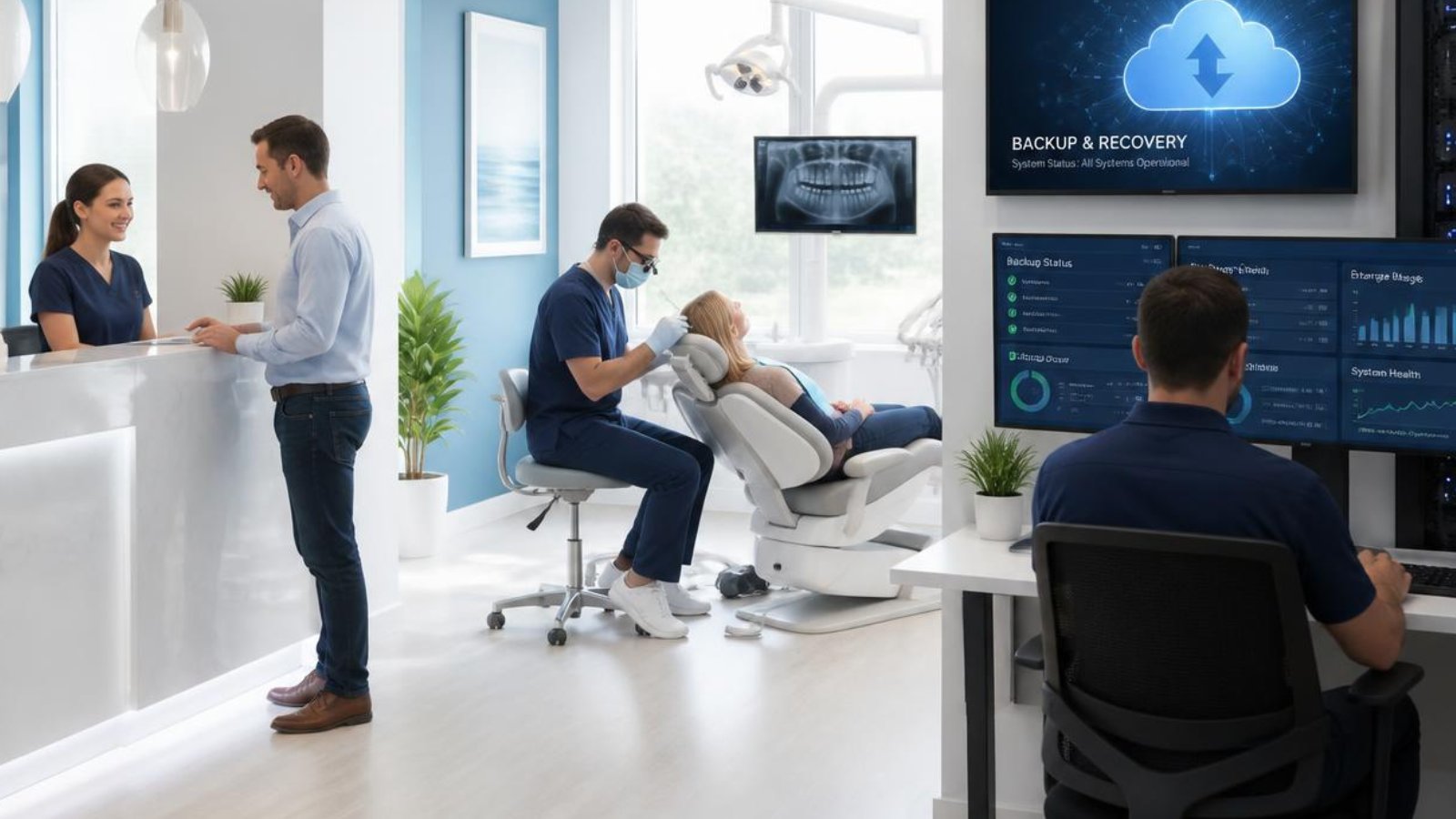
Imagine arriving at your dental practice on a Monday morning only to discover your server won't start.
Your team can't access patient records.
The appointment schedule is unavailable.
Digital X-rays won't load.
Insurance claims can't be submitted.
Treatment notes are inaccessible.
Every minute your systems are offline costs your practice time, money, and patient confidence.
Unfortunately, data loss isn't just caused by catastrophic events. Hardware failures, ransomware attacks, accidental file deletion, software corruption, and even power outages can bring a dental practice to a standstill.
That's why every dental practice needs more than just backups. You need a complete backup and disaster recovery strategy.
A modern backup and disaster recovery solution combines automated backups, secure off-site storage, recovery testing, and documented recovery procedures to help your practice recover quickly while protecting patient information. With the right plan in place, you can minimize downtime, reduce financial losses, and continue providing quality patient care even when the unexpected happens.
What Is Backup and Disaster Recovery?
Although people often use the terms interchangeably, backup and disaster recovery are two different concepts.
A backup is a copy of your data.
A disaster recovery plan is the process of restoring your systems and getting your practice operational again after an unexpected event.
Think of it this way.
A backup gives you the ingredients.
A disaster recovery plan provides the recipe.
Without both, recovering from an outage can take much longer than expected.
Common Causes of Data Loss in Dental Practices
Many practice owners assume ransomware is the biggest threat to their data.
While cyberattacks are certainly a concern, they're only one of many reasons dental practices lose access to critical information.
Common causes include:
- Hardware failure
- Ransomware attacks
- Human error
- Accidental file deletion
- Software corruption
- Power outages
- Internet disruptions
- Fire or flooding
- Theft of equipment
- Failed software updates
Any one of these events can interrupt patient care if your practice is unprepared.
What Should Your Dental Practice Back Up?
Not every file is equally important.
Your backup strategy should focus on the systems your team relies on every day.
Critical data typically includes:
- Practice management software databases
- Digital X-rays and imaging
- Electronic patient records
- Appointment schedules
- Microsoft 365 email
- Shared documents
- Financial records
- Insurance information
- User accounts and permissions
- Server configurations
- Network device configurations
Backing up only patient records isn't enough.
Your practice also needs the systems and configurations required to restore normal operations quickly.
The 3-2-1 Backup Rule
One of the most widely accepted backup strategies is the 3-2-1 Backup Rule.
It recommends maintaining:
- Three copies of your data
- Stored on two different types of media
- With one copy located off-site
Today, many cybersecurity professionals also recommend maintaining an immutable or offline backup that cannot be modified or encrypted by ransomware.
Following this approach significantly improves your ability to recover from both hardware failures and cyberattacks.
Understanding Recovery Time Objective (RTO)
A backup is only valuable if you know how quickly you can restore it.
Recovery Time Objective, or RTO, measures how long your practice can operate before downtime becomes unacceptable.
For example:
If your scheduling software must be restored within two hours to avoid canceling appointments, your RTO is two hours.
Practices should establish realistic recovery goals for their most critical systems before an emergency occurs.
Understanding Recovery Point Objective (RPO)
Recovery Point Objective, or RPO, measures how much recent data your practice can afford to lose.
For example:
If backups run every hour, your worst-case data loss is approximately one hour.
If backups only run once each night, you could lose an entire day's worth of appointments, notes, and patient information.
Reducing your RPO minimizes the amount of work your staff would need to recreate after a disruption.
The Torch Networks Business Continuity Framework™
At Torch Networks, we believe successful recovery begins long before disaster strikes.
Our Business Continuity Framework focuses on six essential steps.
Step 1: Assess
Identify critical systems, business risks, and recovery priorities.
Understand what your practice cannot operate without.
Step 2: Protect
Implement layered cybersecurity, endpoint protection, email security, and network defenses to reduce the likelihood of an incident.
Step 3: Backup
Create automated, encrypted backups with secure off-site storage and appropriate retention policies.
Step 4: Test
Regularly verify backup integrity through scheduled restore testing.
Never assume backups are working simply because they completed successfully.
Step 5: Recover
Document recovery procedures and prioritize restoring critical systems so patient care can resume as quickly as possible.
Step 6: Improve
Review every incident, update documentation, refine recovery procedures, and continuously strengthen your business continuity strategy.
Why Backup Testing Matters
Many organizations discover backup problems only after they need to restore their data.
By then, it's too late.
Common issues include:
- Corrupted backup files
- Incomplete backups
- Missing databases
- Failed backup jobs
- Incorrect retention settings
- Recovery procedures that were never documented
Regular testing helps identify these issues before they become emergencies.
A strong backup strategy should include:
- Automated monitoring
- Monthly backup verification
- Test restorations
- Documentation updates
- Annual disaster recovery exercises
Testing provides confidence that your practice can recover when it matters most.
How Backup and Disaster Recovery Support HIPAA
The HIPAA Security Rule includes standards related to data backup, disaster recovery, and emergency mode operations.
While compliance involves administrative, physical, and technical safeguards, maintaining reliable backups and documented recovery procedures is an important part of protecting electronic protected health information (ePHI).
An effective backup and disaster recovery strategy can help your practice:
- Protect patient information
- Reduce operational downtime
- Support business continuity
- Strengthen overall security
- Prepare for unexpected events
Work with qualified legal and compliance professionals to understand how HIPAA requirements apply to your organization.
Real Dental Practice Example
Every dental practice depends on continuous access to patient information.
When technology becomes unavailable, appointments slow down, treatment planning is interrupted, and staff productivity suffers.
Torch Networks helps dental practices build resilient backup and disaster recovery solutions by combining automated backups, secure cloud storage, recovery testing, and documented response procedures.
Instead of hoping backups will work during an emergency, practices gain confidence through regular testing and proactive planning.
The result is faster recovery, reduced downtime, and greater peace of mind.
Frequently Asked Questions
How often should a dental practice back up its data?
Critical systems should be backed up automatically every day. Depending on your operational needs, some data may require more frequent protection to reduce potential data loss.
Are cloud backups enough?
Cloud backups are an important part of a modern strategy, but they should be combined with local backups, recovery testing, and documented disaster recovery procedures.
What is the 3-2-1 backup rule?
The 3-2-1 rule recommends maintaining three copies of your data, storing those copies on two different types of media, and keeping one copy off-site. Many organizations also add an immutable or offline copy to improve protection against ransomware.
Does HIPAA require data backups?
The HIPAA Security Rule includes standards related to data backup, disaster recovery, and emergency mode operation plans. Organizations should work with qualified compliance professionals to ensure their backup strategy aligns with applicable requirements.
How often should backups be tested?
Most organizations should verify backup success daily and perform scheduled test restorations at least monthly. Comprehensive disaster recovery testing should also be conducted periodically to confirm that critical systems can be restored within acceptable timeframes.
Don't Wait Until Disaster Strikes
The best time to build a disaster recovery plan is before you need one.
A comprehensive backup and disaster recovery strategy helps your dental practice recover from ransomware, hardware failures, accidental deletion, and other unexpected disruptions while minimizing downtime and protecting patient information.
Torch Networks helps dental practices design, monitor, test, and maintain backup and disaster recovery solutions tailored to their unique technology environments. From automated backups and secure cloud storage to recovery testing and long-term business continuity planning, our team helps ensure your practice is prepared for whatever comes next.
If you're unsure whether your current backups will work when you need them most, schedule a complimentary Backup & Disaster Recovery Assessment. We'll evaluate your existing backup strategy, identify potential risks, and provide practical recommendations to strengthen your business continuity plan.